Why Phishing Still Works in 2026
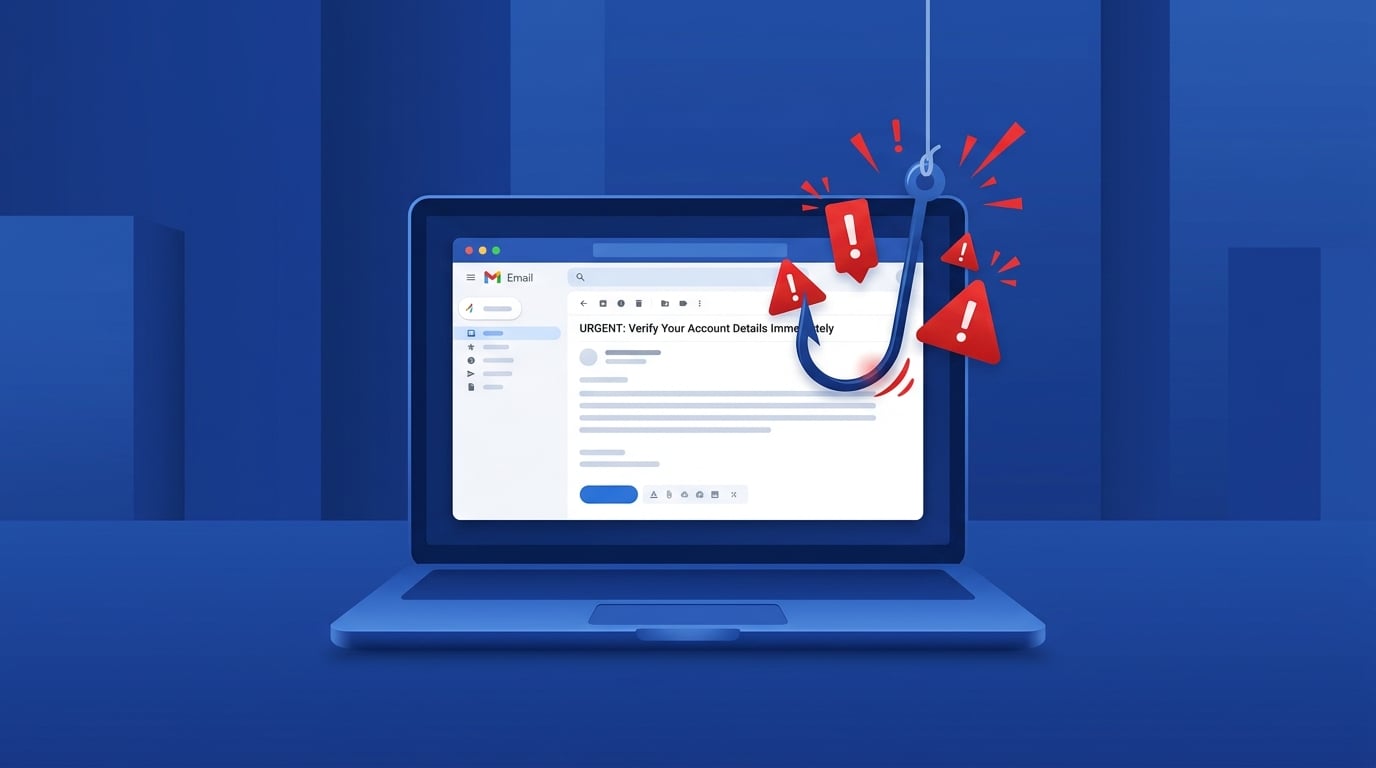
Phishing is the most common form of cybercrime. Despite all the warnings, over 3.4 billion phishing emails are sent every single day. And they're getting harder to spot.
Modern phishing emails use real company logos, proper grammar, and even personalise your name. So how do you tell the difference?
The 5 Red Flags
1. Urgency and Threats
Scammers want you to act before you think. Watch for phrases like:
Legitimate companies rarely threaten you via email.
2. Suspicious Sender Address
Always check the actual email address, not just the display name. A message from "PostNL" might actually come from [email protected].
Hover over the sender name to reveal the real address. If it doesn't match the official domain, it's fake.
3. Generic Greetings
"Dear Customer" or "Dear User" instead of your actual name? That's a red flag. Your bank knows your name.
4. Suspicious Links
Never click links in unexpected emails. Instead, go directly to the company's website by typing the URL yourself. Hover over links to see where they actually lead.
5. Requests for Personal Information
No legitimate company will ever ask you to:
What To Do If You Receive One
Stay Ahead of Scammers
Phishing techniques evolve constantly. The best defence is awareness. Bookmark this page, share it with friends, and when in doubt — scan it with GuardScan.