When Phishing Bypasses Your Password: The Rise of Session Hijacking in 2026
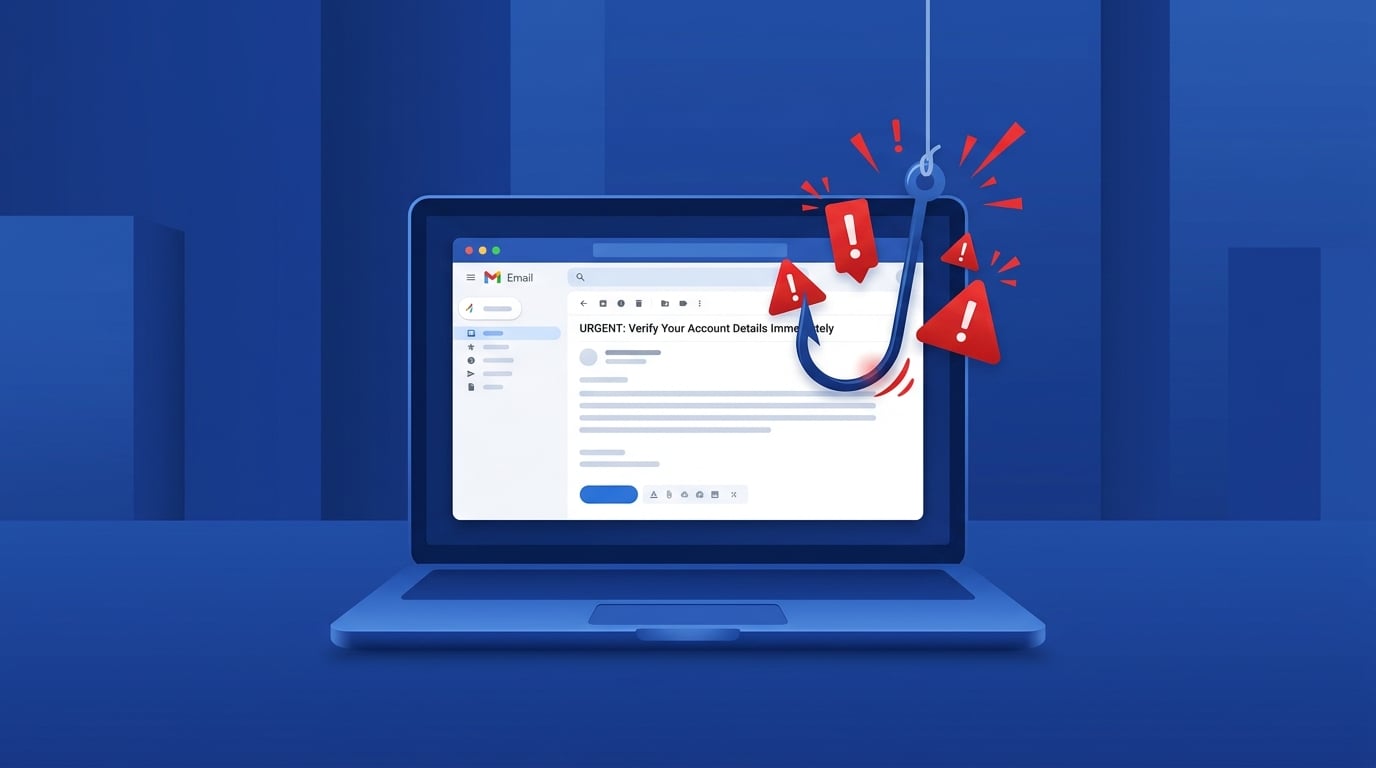
You changed your password. You enabled two-factor authentication. You thought you were safe. But in 2026, a new wave of phishing attacks is designed to bypass all of that — and it's catching millions of people off guard.
Welcome to the era of Adversary-in-the-Middle (AiTM) phishing — where scammers don't need your password at all.
---
What Is AiTM Phishing?
Traditional phishing was simple: trick you into typing your password on a fake website. Security teams fought back with two-factor authentication (2FA), and for a while, it worked.
Then attackers adapted.
In an AiTM attack, the scammer sets up a live proxy between you and the real website. When you visit what looks like your bank's login page, you're actually connecting through the attacker's server. You type your credentials — they're relayed to the real site. You enter your 2FA code — that's relayed too. You log in successfully and see your real account. Everything looks normal.
But behind the scenes, the attacker has captured your session cookie — the digital token your browser uses to stay logged in. With that cookie, they can access your account from anywhere in the world, without ever needing your password or your 2FA code again.
The result: Your account is compromised even though you did everything "right."
According to recent security research, reverse-proxy phishing activity surged by 139% in the first quarter of 2026 alone. Credential harvesting now accounts for 94% of all payload-based phishing attacks.
---
The QR Code Trap: Quishing
Another fast-growing technique is quishing — phishing via QR codes. You've probably scanned dozens of QR codes without thinking twice: restaurant menus, parking meters, event posters. Attackers are exploiting that habit.
Here's how it works:
Quishing is particularly dangerous because it bypasses email security filters entirely — the malicious link never appears in an email at all.
How to protect yourself:
---
AI Has Made Phishing Emails Nearly Undetectable
Remember when you could spot a phishing email by its bad grammar and awkward phrasing? Those days are over.
In 2026, approximately 82.6% of phishing emails are AI-generated. Generative AI tools allow attackers to produce:
AI-automated spear phishing campaigns now achieve click-through rates of up to 54% — matching the performance of the most skilled human attackers, at a fraction of the cost.
The old advice — "look for typos and suspicious formatting" — is no longer sufficient.
---
Red Flags That Still Work
Even as phishing evolves, some warning signs remain reliable:
---
How to Defend Against Session Hijacking
Since AiTM attacks can bypass standard 2FA, security experts now recommend:
Use Phishing-Resistant Authentication
Passkeys and hardware security keys (like YubiKey) use cryptographic binding — they only work on the exact domain they were registered for. A proxy site can't intercept them because the authentication is tied to the real domain, not just a password.
Verify Out-of-Band
If you receive an urgent request — to transfer money, reset a password, or approve a transaction — verify it through a completely separate channel. Call the person back on a number you already know. Don't use contact details provided in the suspicious message.
Check Your Active Sessions
Most major platforms (Google, Microsoft, Facebook) let you view all active login sessions. If you see an unfamiliar device or location, log it out immediately and change your password.
Use a Tool Like GuardScan
Before clicking any suspicious link or scanning an unknown QR code, run it through GuardScan. GuardScan analyzes URLs, phone numbers, email addresses, and messages for known scam patterns — giving you a risk assessment in seconds, before you hand over any information.
---
The Bottom Line
Phishing in 2026 doesn't need your password. It needs your session cookie, your trust, or a moment of distraction. The attacks are faster, smarter, and harder to spot than ever before.
But awareness is still your first line of defense. Understanding how AiTM attacks and quishing work puts you ahead of the majority of targets. Pair that knowledge with phishing-resistant authentication and a healthy skepticism toward unexpected requests — and you dramatically reduce your risk.
When in doubt, don't click. Verify first.