# Beyond the Inbox: How Multi-Channel Phishing Attacks Work in 2026
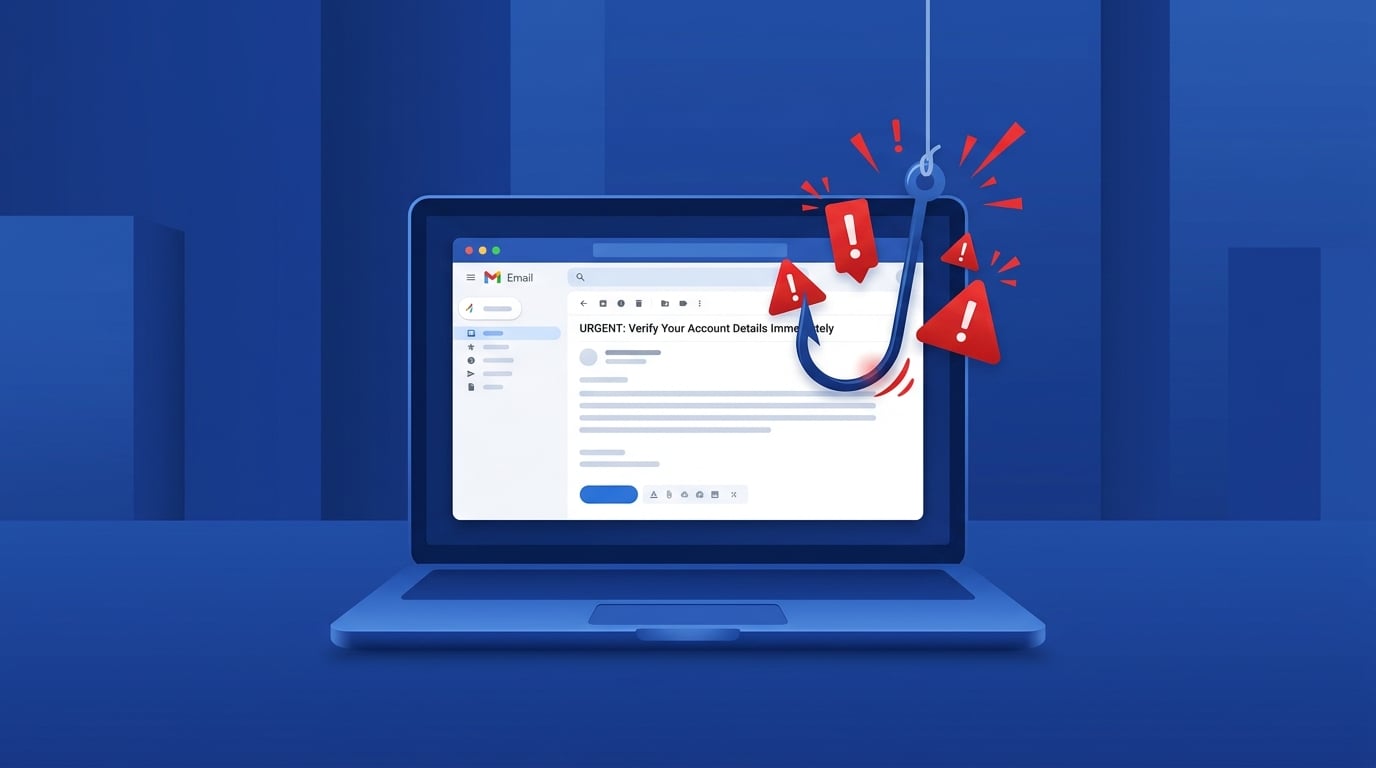
Phishing has always been about deception — but in 2026, it has become a coordinated, multi-channel assault that goes far beyond a suspicious email. Today's scammers combine emails, text messages, phone calls, and even QR codes into layered attack chains designed to catch you off guard at every turn.
Understanding how these modern phishing campaigns work is your first line of defence.
What Is Multi-Channel Phishing?
Traditional phishing relied on a single email with a dodgy link. Modern attackers have moved on. A typical 2026 phishing campaign might look like this:
1. You receive a convincing email claiming your bank account has been flagged for suspicious activity.
2. Minutes later, a text message (smishing) arrives urging you to "verify your identity immediately."
3. A phone call (vishing) follows — a calm, professional-sounding voice (sometimes AI-generated) confirms the "security alert" and asks for your login details.
Each step reinforces the last, building a sense of urgency and legitimacy that is hard to resist.
The Three Pillars of Modern Phishing
1. Email Phishing — Still the Starting Point
Email remains the most common entry point. But AI has transformed what these messages look like. Gone are the days of broken English and obvious typos. AI-generated phishing emails are now grammatically perfect, contextually relevant, and often personalised with your name, employer, or recent activity.
Watch out for: Emails that create urgency ("Your account will be suspended in 24 hours"), use HTTPS links (80% of phishing sites now use HTTPS — the padlock is no longer a safety guarantee), or contain QR codes instead of clickable links.
2. Smishing — Phishing via SMS
Smishing (SMS phishing) now accounts for nearly 70% of all mobile-targeted phishing attacks. Text messages feel personal and immediate — and that's exactly what scammers exploit.
Common smishing scenarios in 2026 include:
Smishing click-through rates are alarmingly high — between 8.9% and 14.5% — compared to roughly 1–2% for email phishing. People simply trust their phones more.
3. Vishing — The Human Voice as a Weapon
Vishing (voice phishing) has surged by over 400% in recent years, largely thanks to AI voice cloning. Scammers can now synthesise a convincing voice in minutes, impersonating bank staff, IT support, or even a family member.
A common vishing script: the caller claims to be from your bank's fraud department, says your account has been compromised, and asks you to "confirm" your PIN or transfer funds to a "safe account." The urgency and authority in the voice make it feel real.
Real-world example: In 2025, attackers used spoofed emails combined with vishing calls to target university payroll systems across the US, redirecting direct deposit payments to fraudulent accounts.
New Tricks to Watch For
QR Code Phishing (Quishing)
Attackers embed malicious QR codes in emails, printed flyers, or even fake parking meters. When you scan the code with your phone, you're taken to a convincing fake login page — and your phone's security tools are far less equipped to detect it than your desktop browser.
Callback Phishing
Some phishing emails contain no links at all — just a phone number to call. This bypasses automated email security scanners entirely. Once you call, a scammer walks you through handing over your credentials or granting remote access to your device.
Weaponised Calendar Invites
Malicious `.ics` calendar files are sent as email attachments. They automatically add events to your calendar — complete with a "meeting link" that leads to a phishing page. Even if you delete the original email, the calendar entry remains.
How to Protect Yourself
How GuardScan Can Help
If you receive a suspicious message — whether it's an email, a text, or a link someone sent you — GuardScan can help you assess the risk before you click. GuardScan analyses URLs, messages, and digital content for signs of phishing and fraud, giving you a clear verdict in seconds.
In a world where phishing attacks are smarter, faster, and harder to spot, having a tool that works as your digital safety net makes all the difference.
The Bottom Line
Phishing in 2026 is no longer a single suspicious email — it's a coordinated campaign across multiple channels, powered by AI, and designed to exploit your trust at every step. By understanding how these attacks work and staying alert across email, SMS, and phone calls, you can dramatically reduce your risk.
Stay sceptical. Verify before you act. And when in doubt, let GuardScan do the checking for you.